Loading ...
Login
/
Sign up
EN
Tiếng Việt
English
한국어
About Us
Livescore
Contact Us
FAQs
Login
Sign up
Follow us:
Download and install apps
Home
FAQs
Account
How to change your information
Wed, 19 Mar 2025 09:27:57 +0700
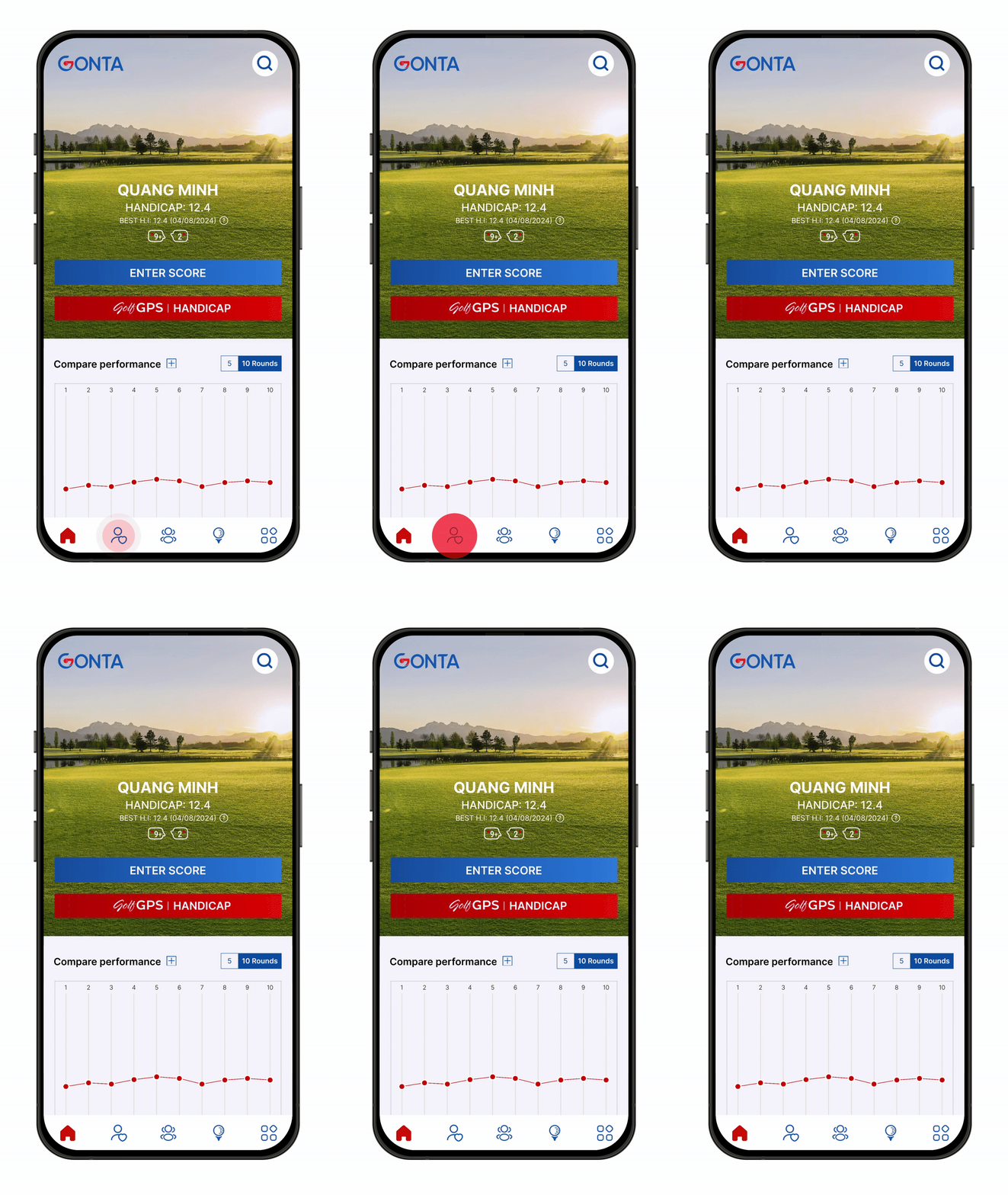
Open
Gonta
app.
Tap on
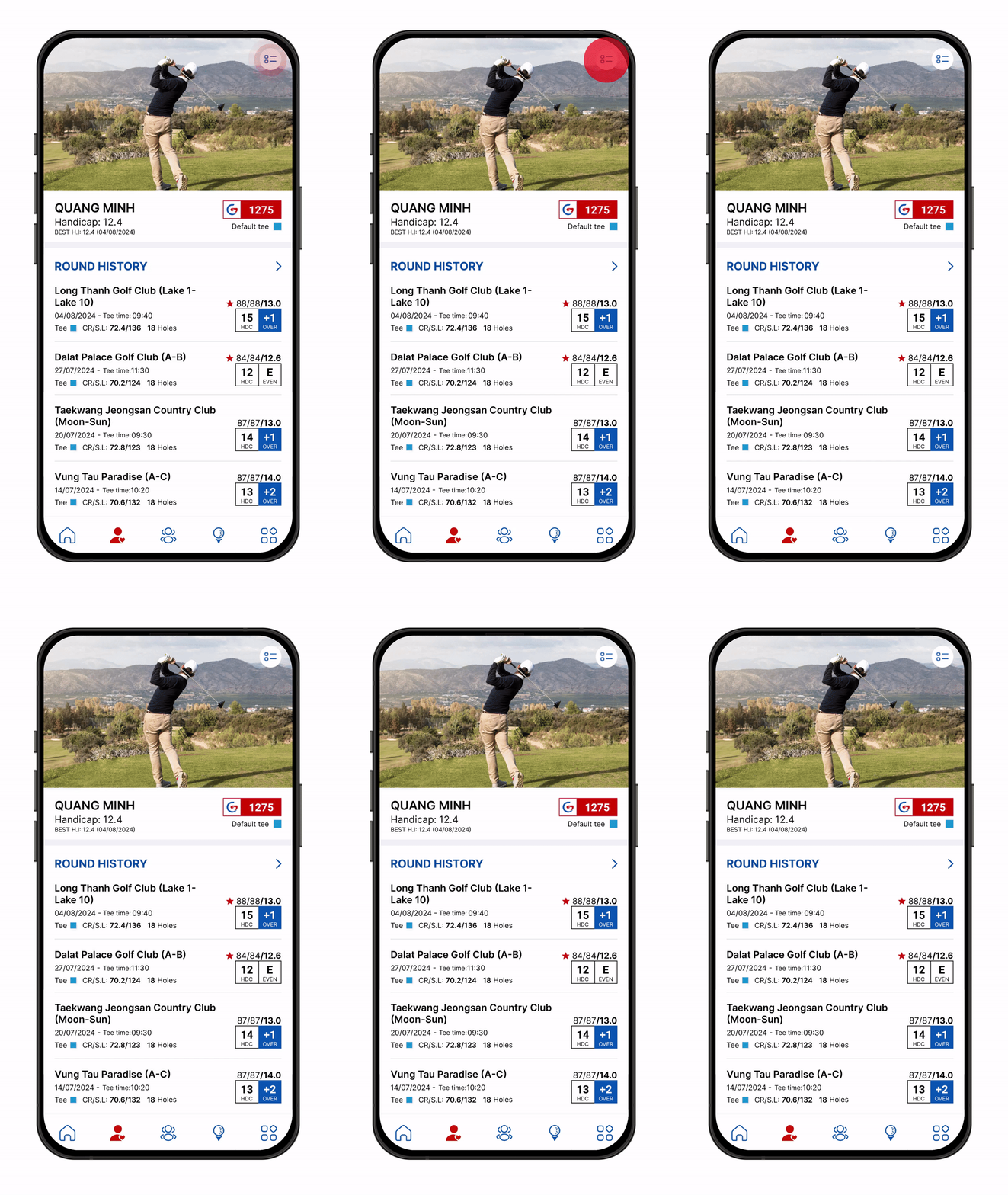
to go to your profile page.
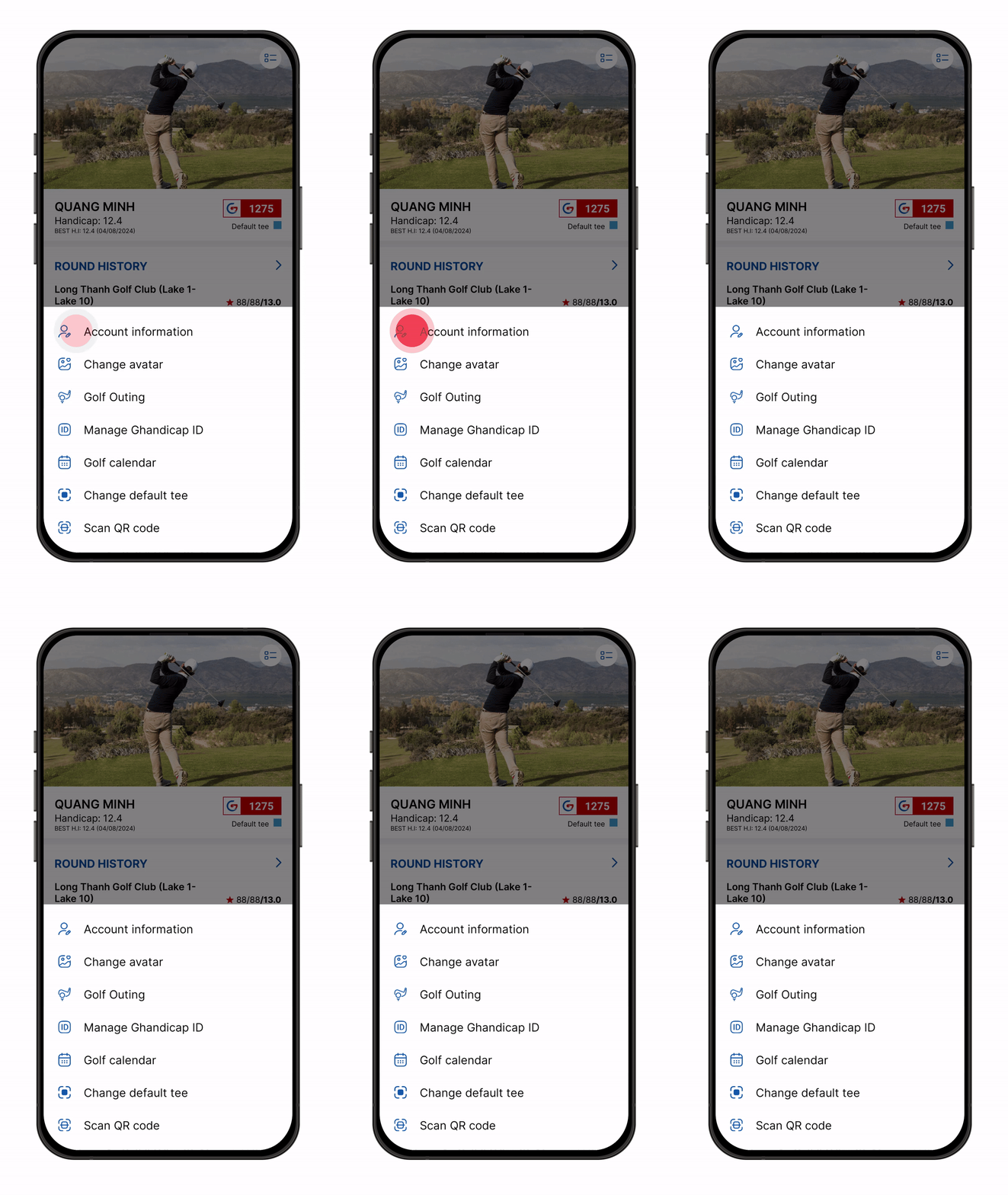
Tap on
Tap on
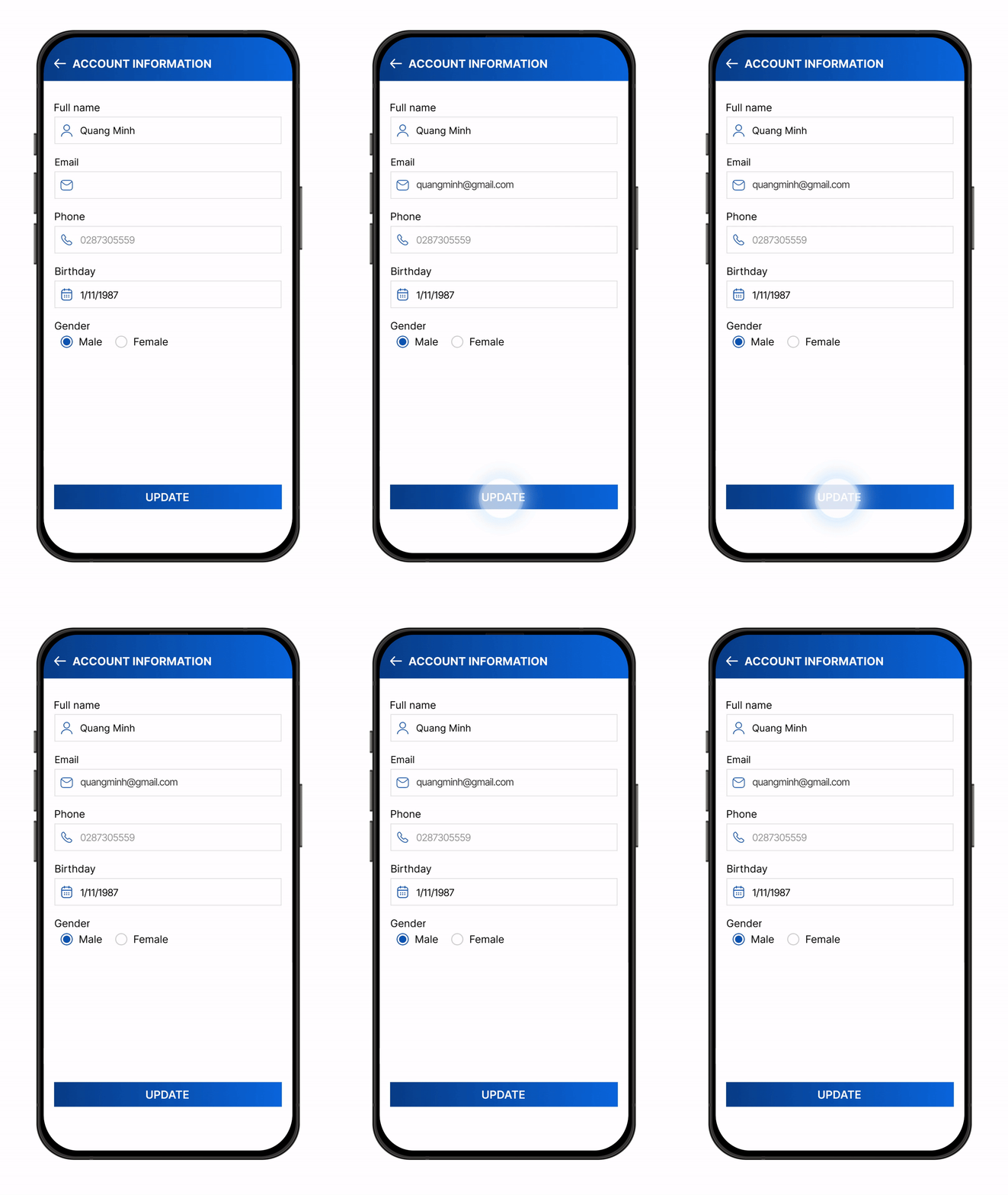
Change your account information and tap on “
Update
”.
Can't find the answers you're looking for? We’re here to
help
.
Share
this post
:
Categories
Golf GPS
Community
Account
Apple Watch
WHS
Others