How to create golf calendar
Thu, 27 Feb 2025 11:20:48 +0700
How to create golf calendar
-
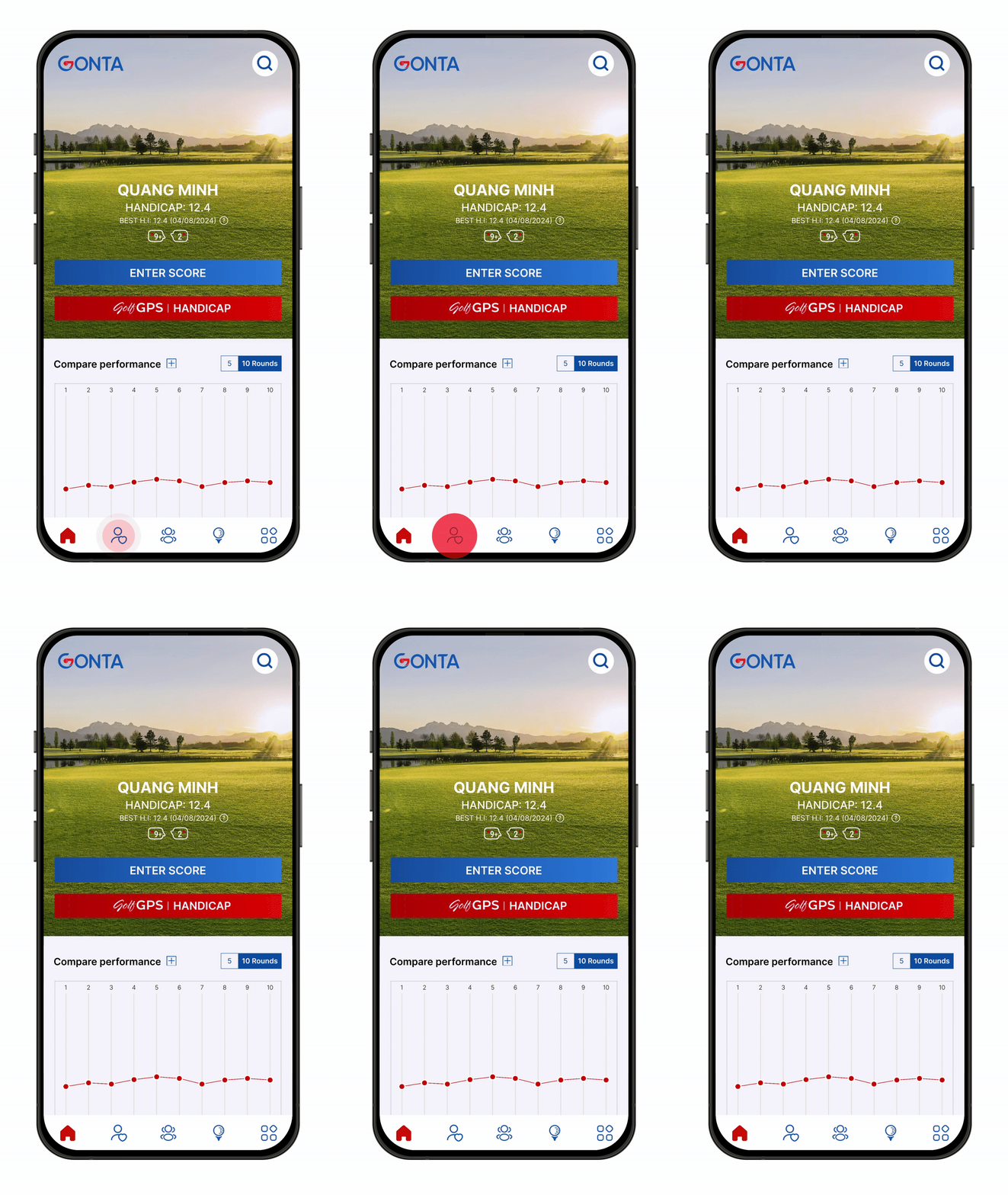
1. Open Gonta app.
-
2. Tap on

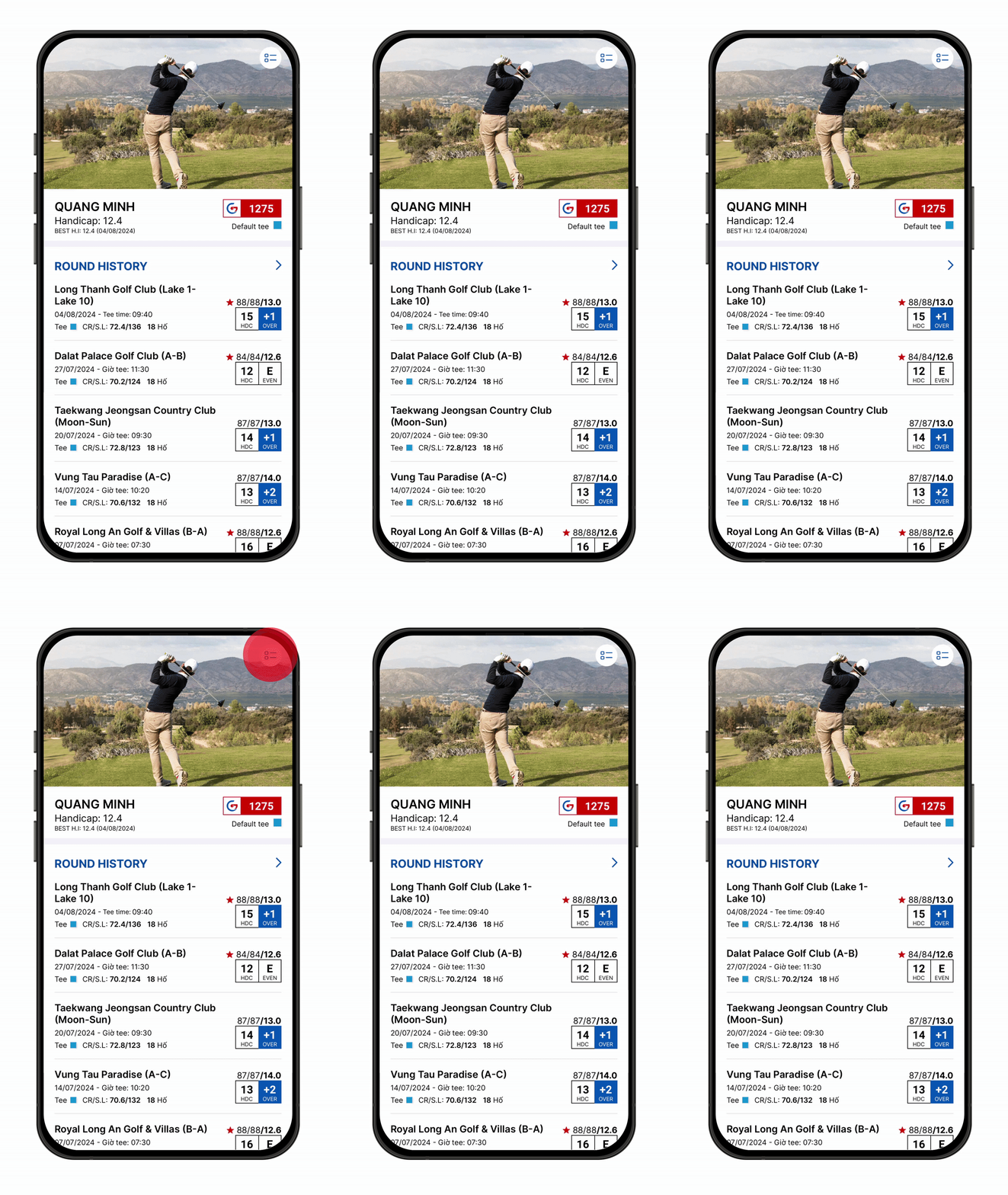
to go to your profile page.
-
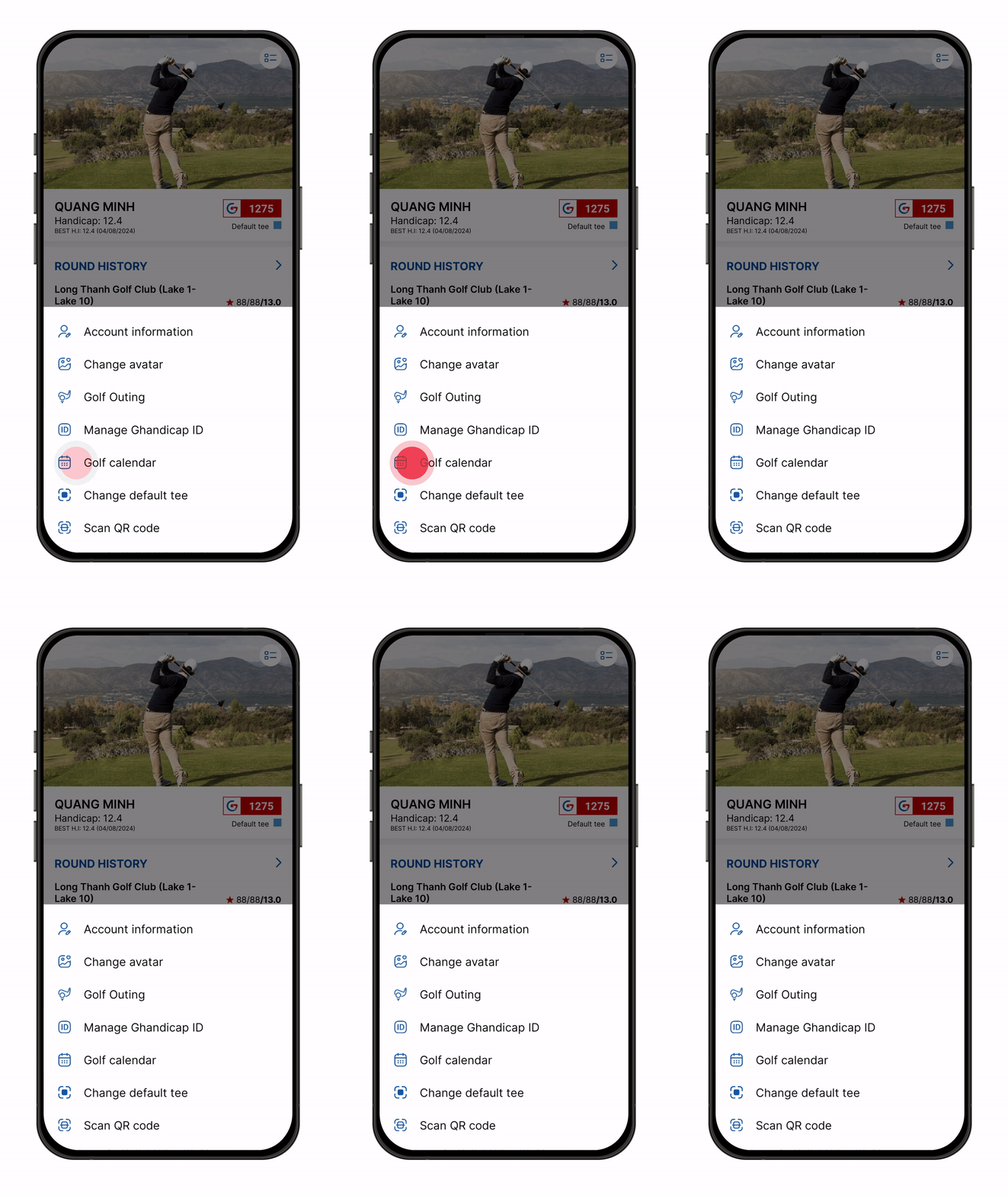
3. Tap on

-
4. Tap on “Golf Calendar”.
-
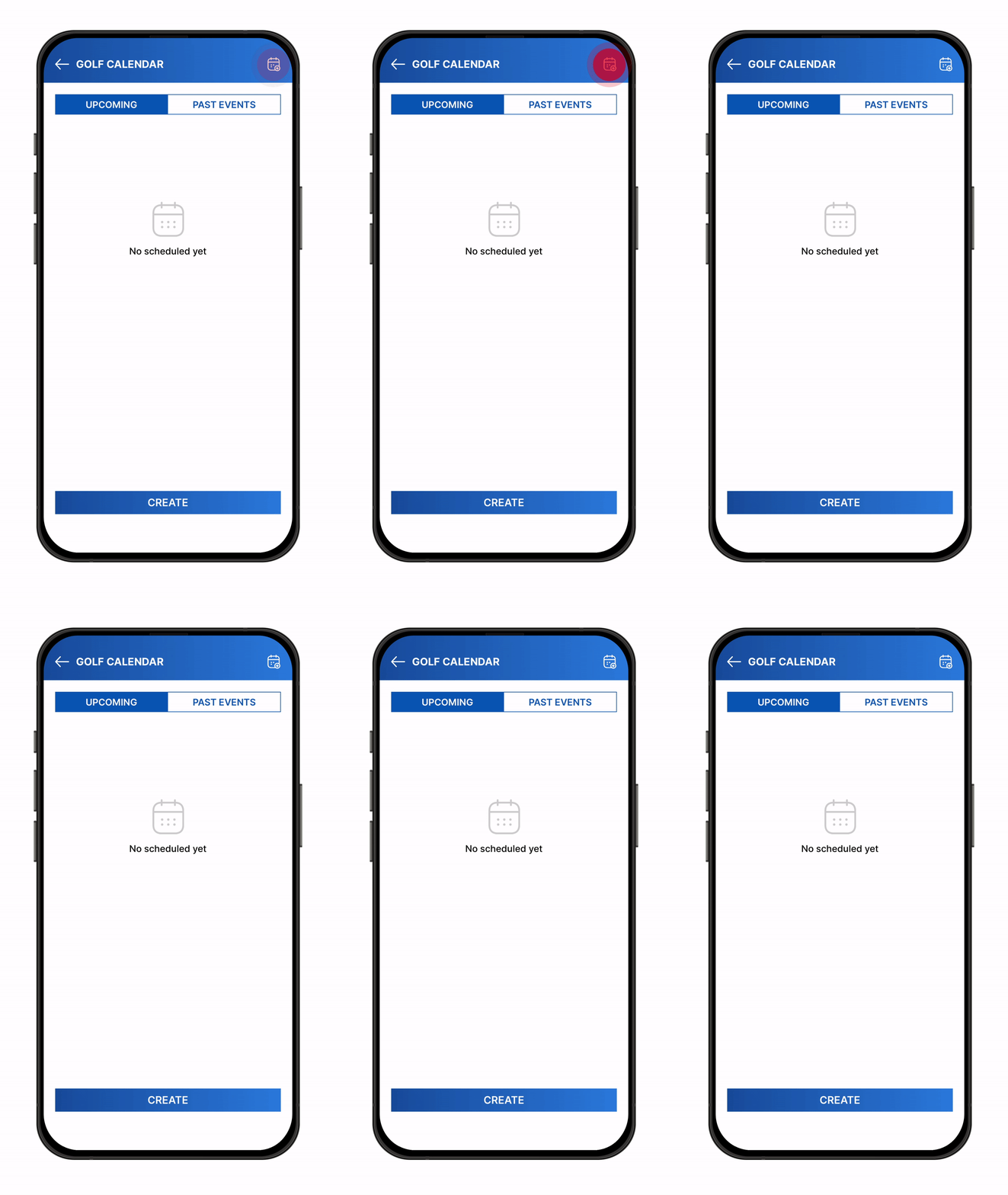
5. Tap on

or "
Create".
-
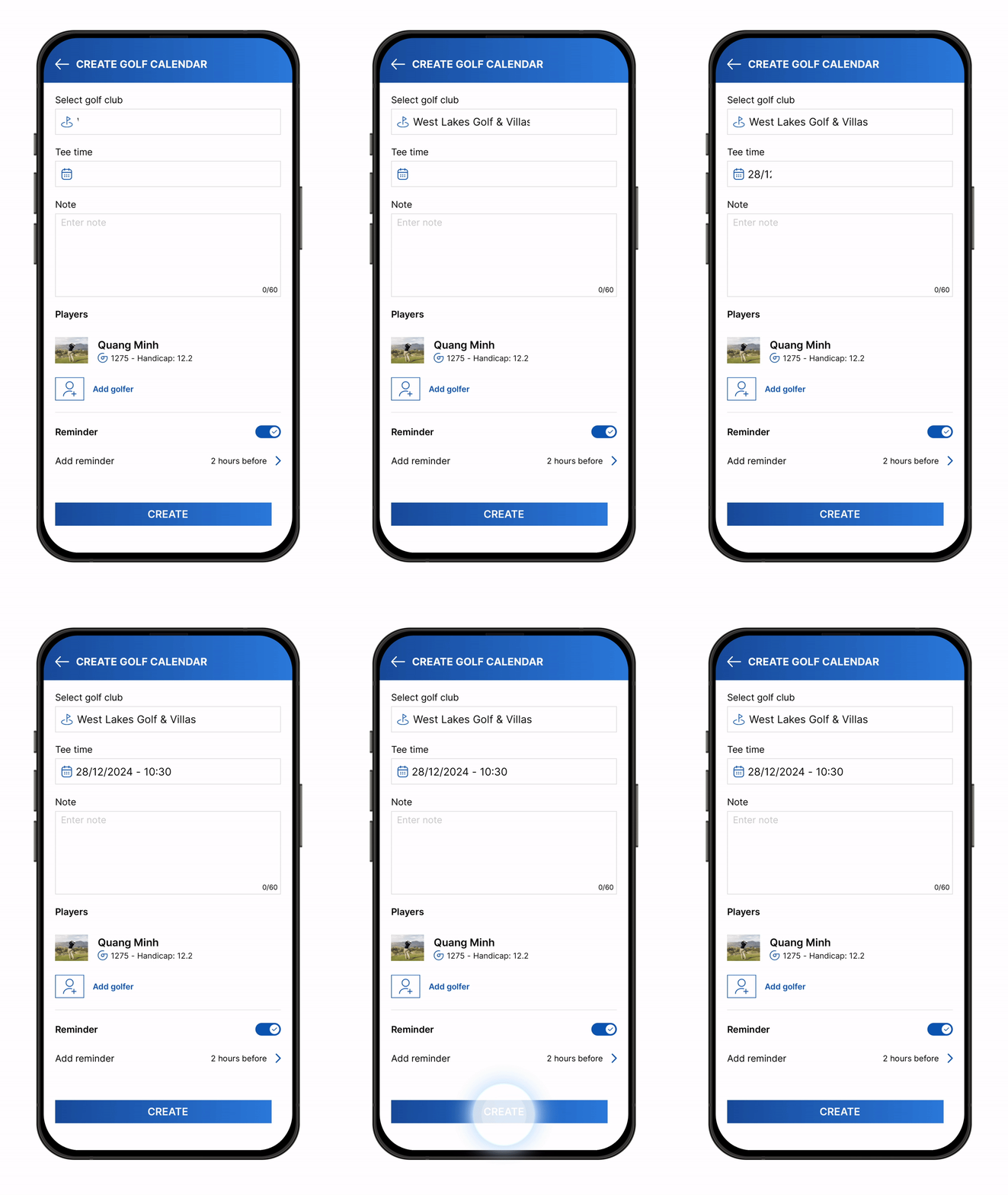
6. Fill in the required information and tap “Create”.
-
7. Your golf calendar has been successfully created.